Cart
0
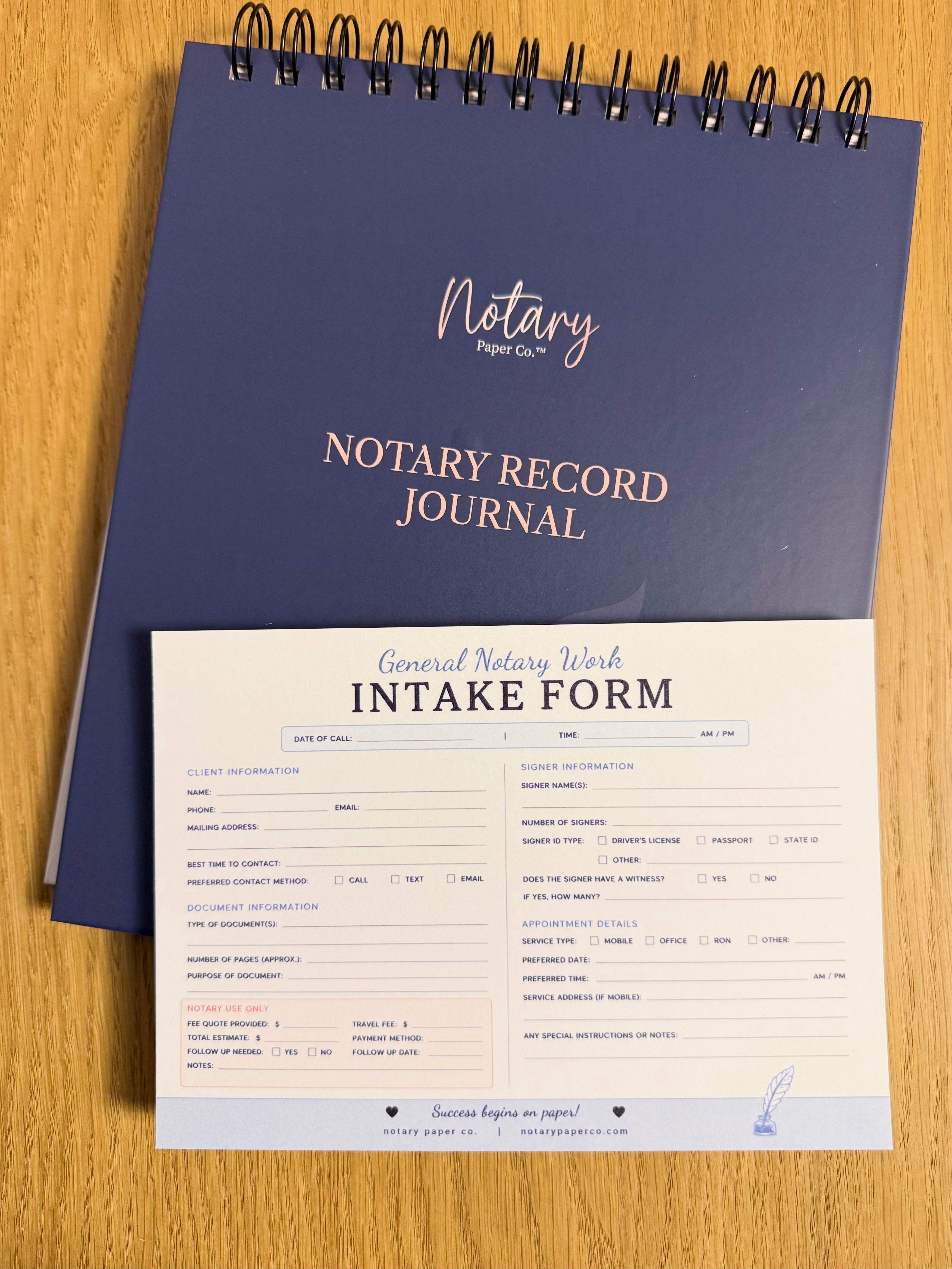
An intake form is the first ten minutes of your appointment, done in advance. It captures the client, the documents, the identification, and the logistics — once, in one place — so nothing gets forgotten between the phone call and the signing table. If any of these five categories is missing, you're the one making a follow-up call or driving back. Here's the checklist, in the order you'd actually use it on a first call.
The basics: who, what, when, where
Start every intake with the non-negotiables:
- Client name, phone, and email. Confirm the spelling of the name as it appears on their ID — "Katherine" versus "Kathy" matters when you get to the journal.
- Date, time, and location. For mobile signings, get the full address plus parking or gate instructions.
- **Document type.** A general notarization, a loan package, an apostille request — each one changes what you prepare.
- How they found you. A one-line field here doubles as your marketing log; over a few months it tells you which channels actually send clients.
Signers and identification details
Ask how many signers there will be, and whether every signer will be present, this is the single most common reason appointments have to be rescheduled. Note what identification each signer plans to bring, so you can flag problems before you're at the table.
One caveat for the legal column: what counts as acceptable identification varies by state, and your commissioning authority's rules decide. The form just captures what they have; the state decides what's sufficient (the National Notary Association maintains state-by-state guidance as a starting point).
Document details that prevent callbacks
This is where a good form earns its keep:
- Number of documents and pages. A five-page acknowledgment and a 120-page loan package are different jobs — different time, different fee.
- Signers per document. Multiple signers on some documents and only one on others? Note it now, not at the table.
- Copies needed. Ask whether they want extra copies made while you're there.
- Print or bring. For loan signings, confirm who prints the package and whether it should be letter or legal size.
The General Notary Work Intake Form was built for exactly this handoff: client details, document info, and appointment notes in one pad by the phone, so nothing slips through the cracks.
Apostille requests: the extra fields
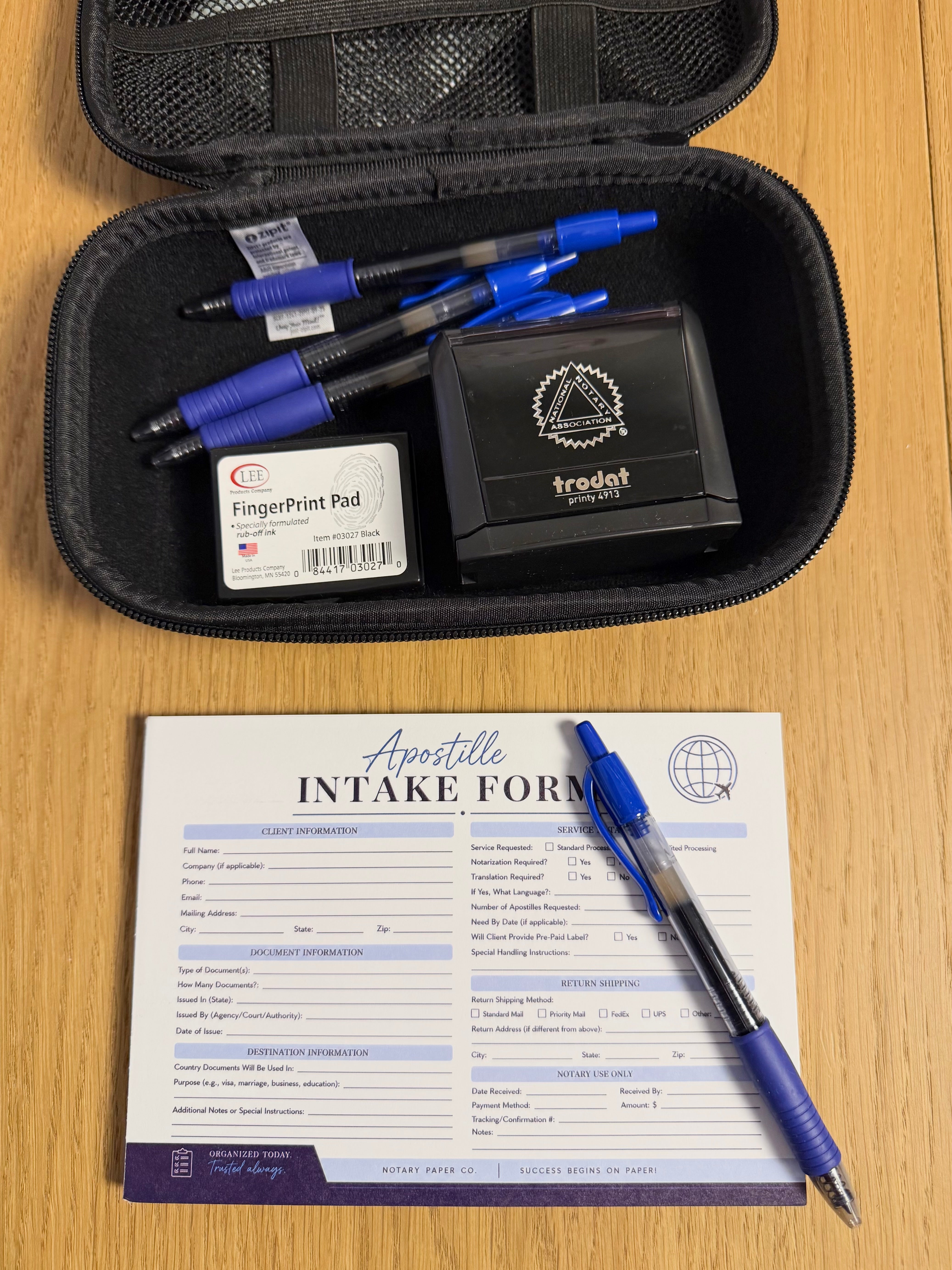
An apostille adds one layer of detail: the destination country and the timeline. Country matters because authentication requirements differ — a Hague Convention country and a non-Hague country are different processes — and timeline matters because apostille work runs through the Secretary of State's office, not through you. Capture both on the first call.
The Apostille Intake Form handles this with dedicated fields for document and destination details, so the request is client-ready when you walk it through.
Turn the checklist into a system
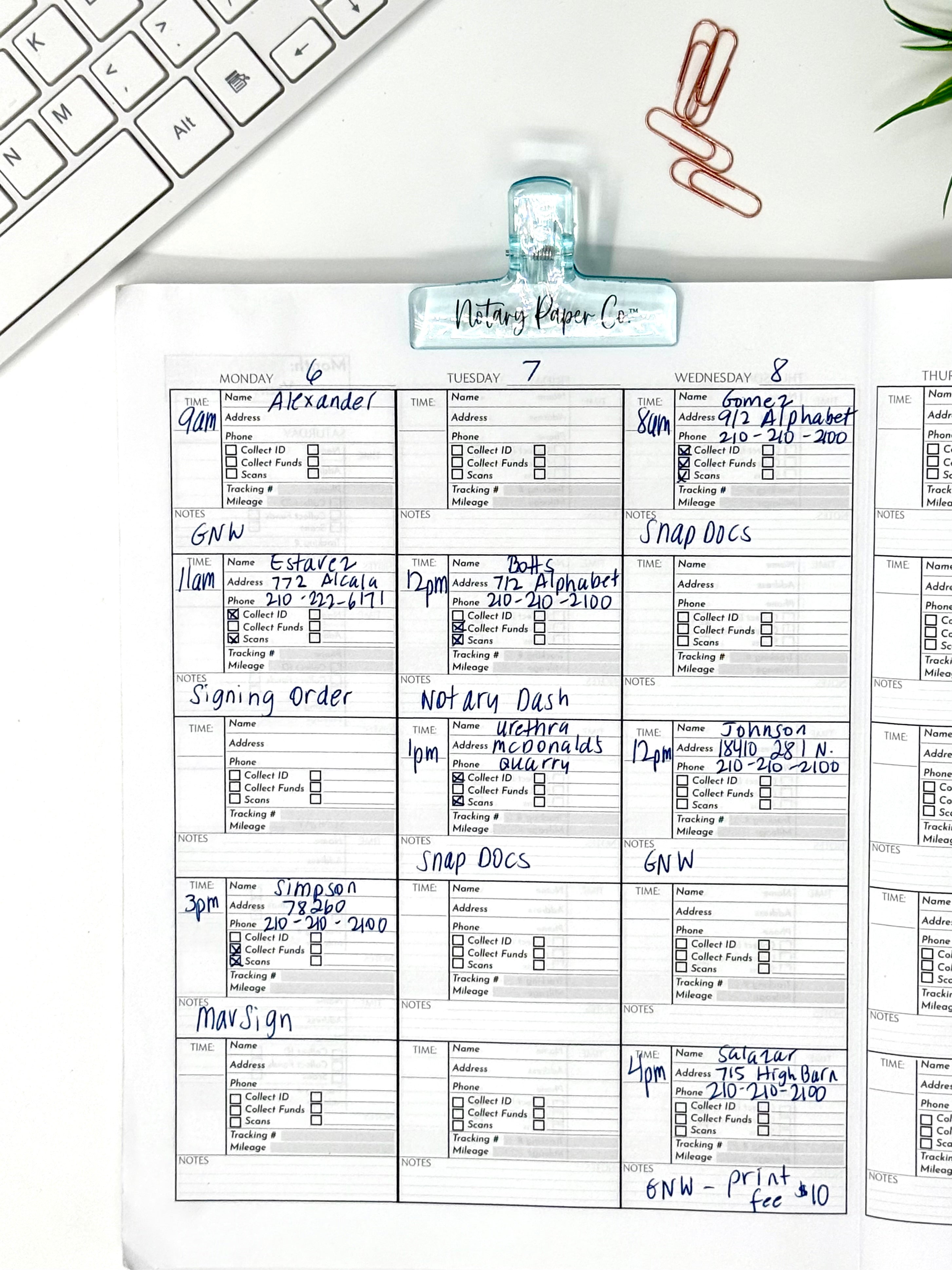
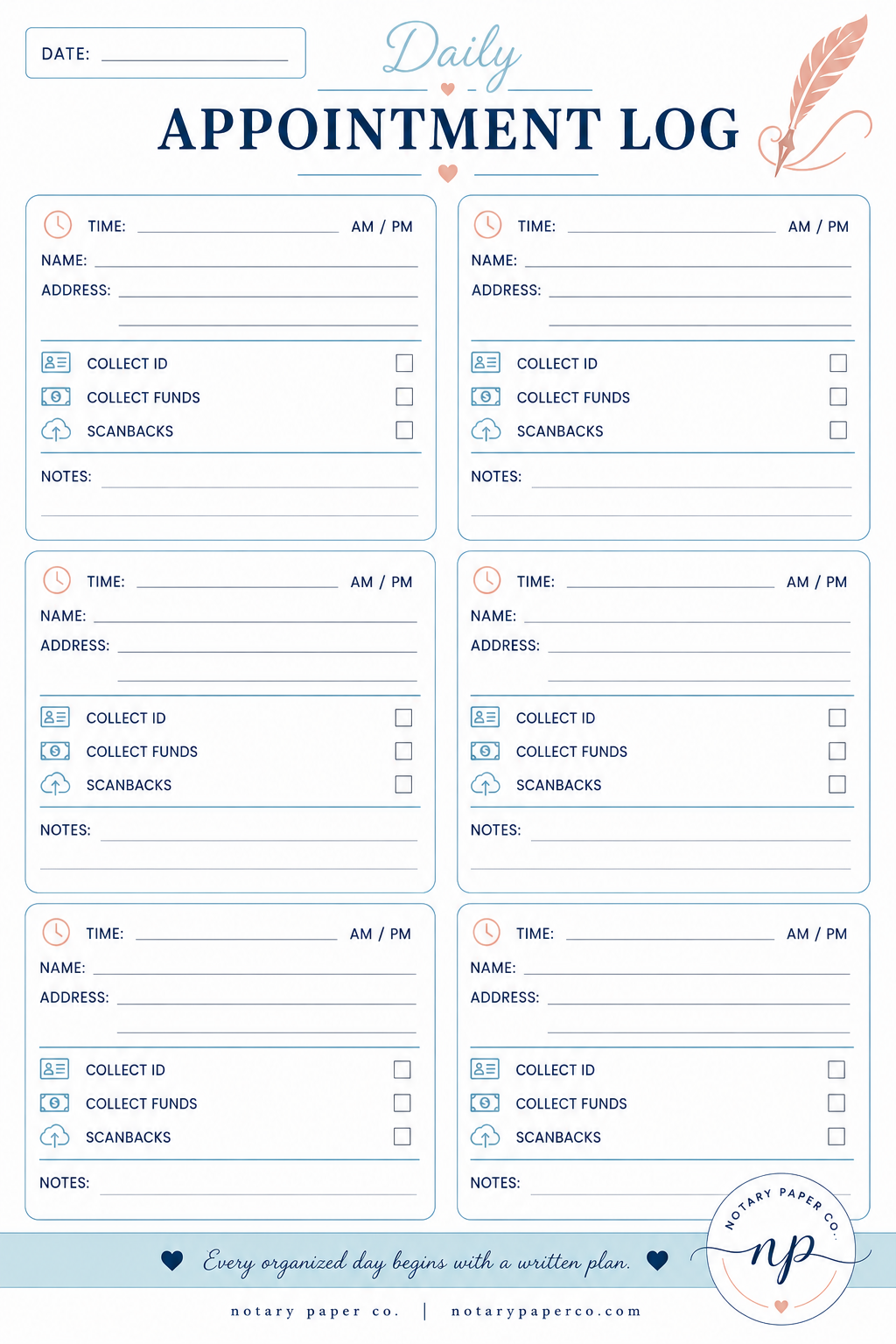
The form only works if it's always within reach. Keep the pad where you take calls — desk or bag — and fill it on the first conversation, not from memory afterward. Copy the date, time, and location into your Undated Appointment Book the same day, and attach the finished intake sheet to the corresponding entries in your Notary Record Journal. That chain: call, form, calendar, journal, is your paper trail if anyone ever asks what was agreed.
Browse the full Forms & notepads collection to see every intake and office form in one place.